

Venue Layouts & Floor Plans
Build layouts with tables, booths, bars, terraces, cabanas, and service areas. Changes sync in real time across devices.
Learn moreFiretable — Venue OS
Reservations, events, floor plans, digital menus, inventory, and website bookings — one connected platform that keeps your whole team in sync.
1 month free · No credit card · Cancel anytime
01 — The Platform
Bookings, events, layouts, menus, inventory, and reporting stay connected, so your team works from one live system.
Build layouts with tables, booths, bars, terraces, cabanas, and service areas. Changes sync in real time across devices.
Learn moreCreate drink cards and digital menus, publish updates instantly, and give guests a clean mobile experience with QR access.
Learn moreTrack stock across locations, monitor low inventory, and keep service teams aware of what is available in real time.
Learn moreKeep bookings, guest history, table assignments, and live seating changes in one shared view.
Learn moreCoordinate events, guest lists, arrivals, and venue-specific layouts without losing track of who is expected and where they go.
Learn moreTrack booking trends, capacity, popular sections, repeat guests, and venue performance from one reporting layer.
03 — Live Operations
Hosts, managers, service teams, and operators stay connected across every device and every shift.
When someone updates a table, changes a booking, or adjusts a layout, the entire team sees it instantly. No double work, stale info, or crossed wires.
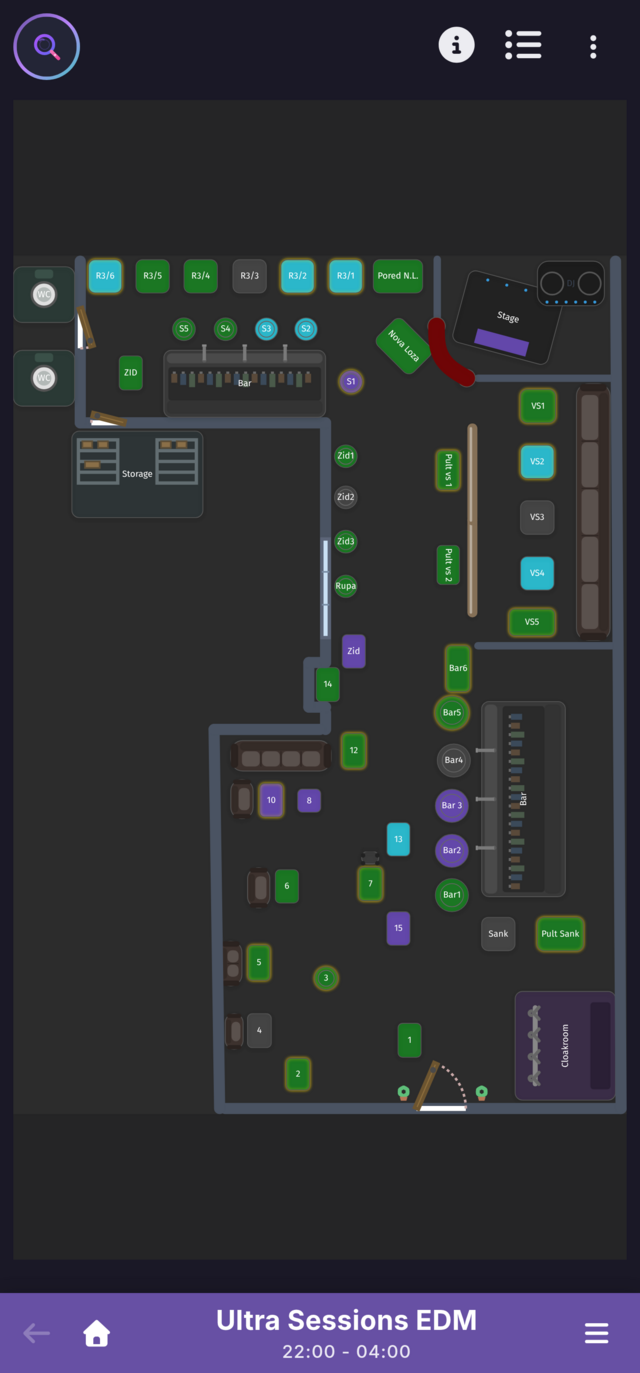
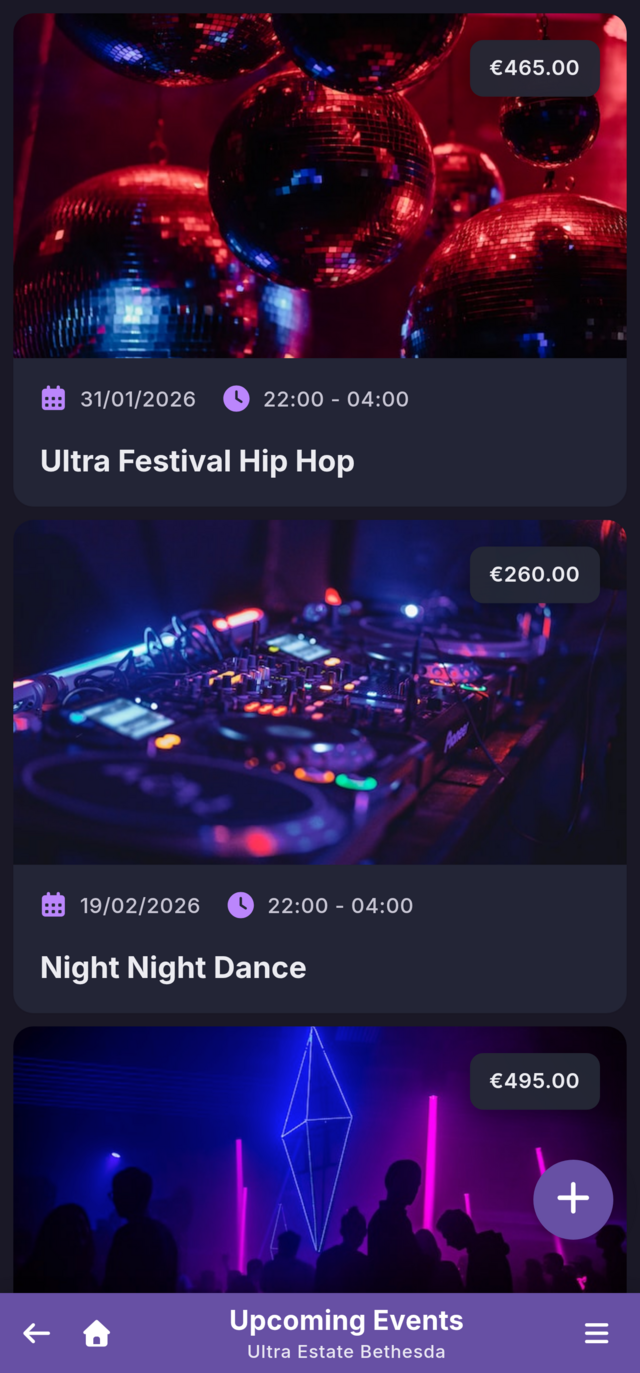
Private events, special nights, terrace bookings, and peak-service shifts all stay organized in one workflow. Your team sees updates as they happen.
04 — Operational Control
Once bookings are live, Firetable keeps your layouts, guest experience, and stock control in the same platform.
Build your venue as it actually operates — tables, booths, bar areas, terraces, cabanas, and service zones. Save layouts as templates and adapt them for different events or service formats.
Explore floor plans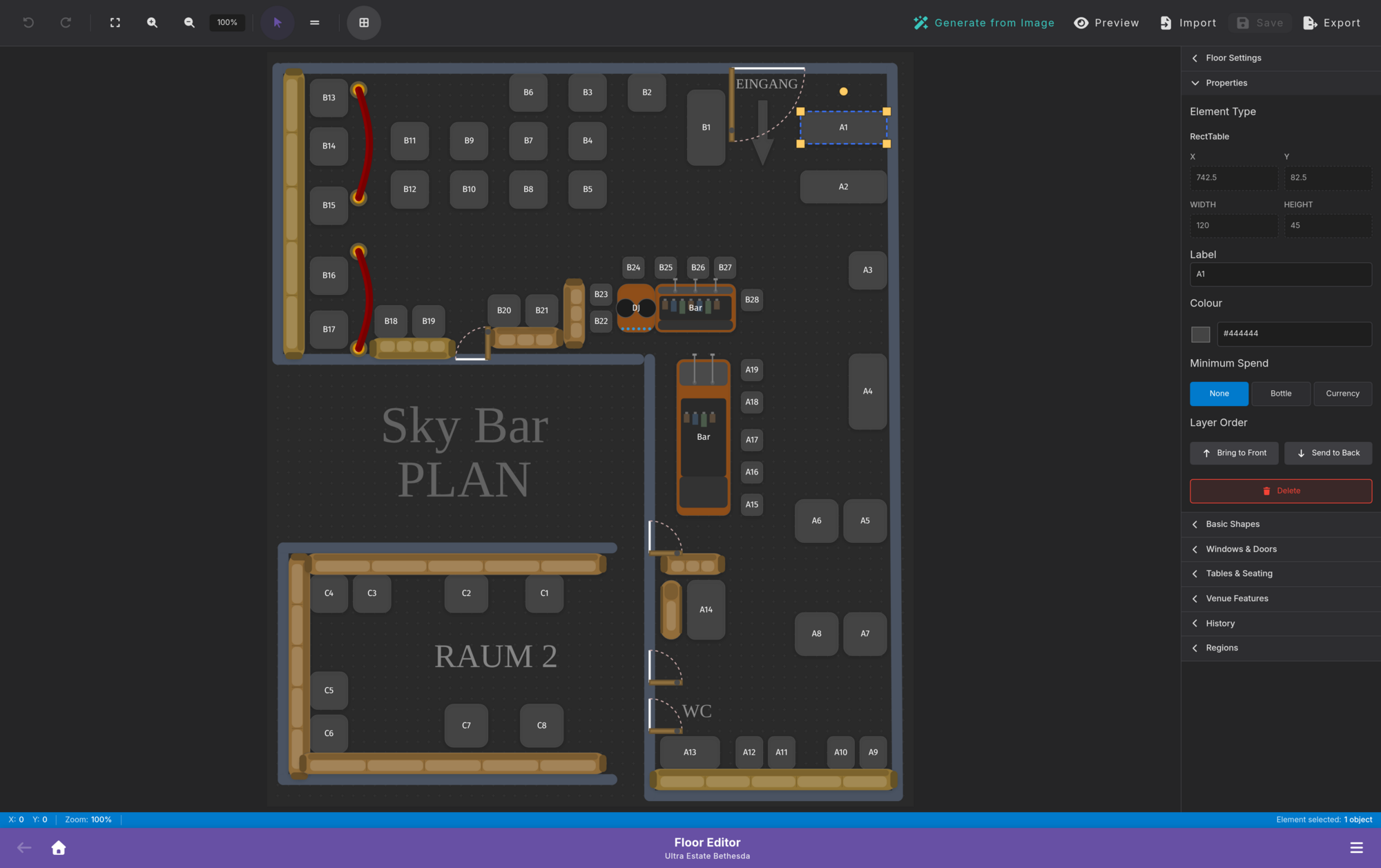
Publish drink cards and menus fast, update prices instantly, and give guests a clean mobile experience without reprinting.
Explore digital menus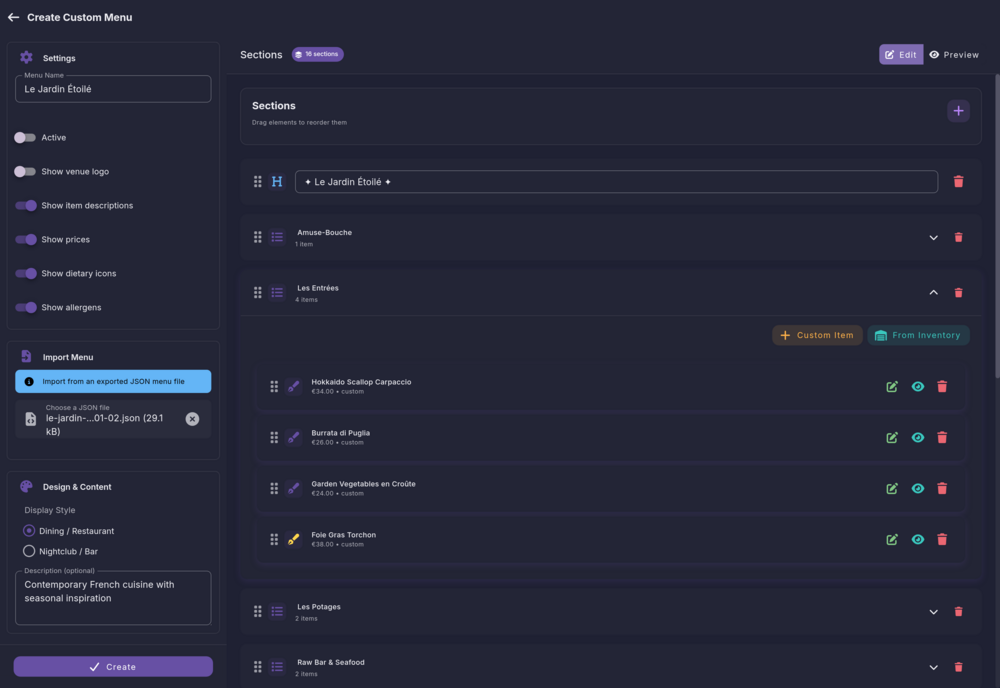
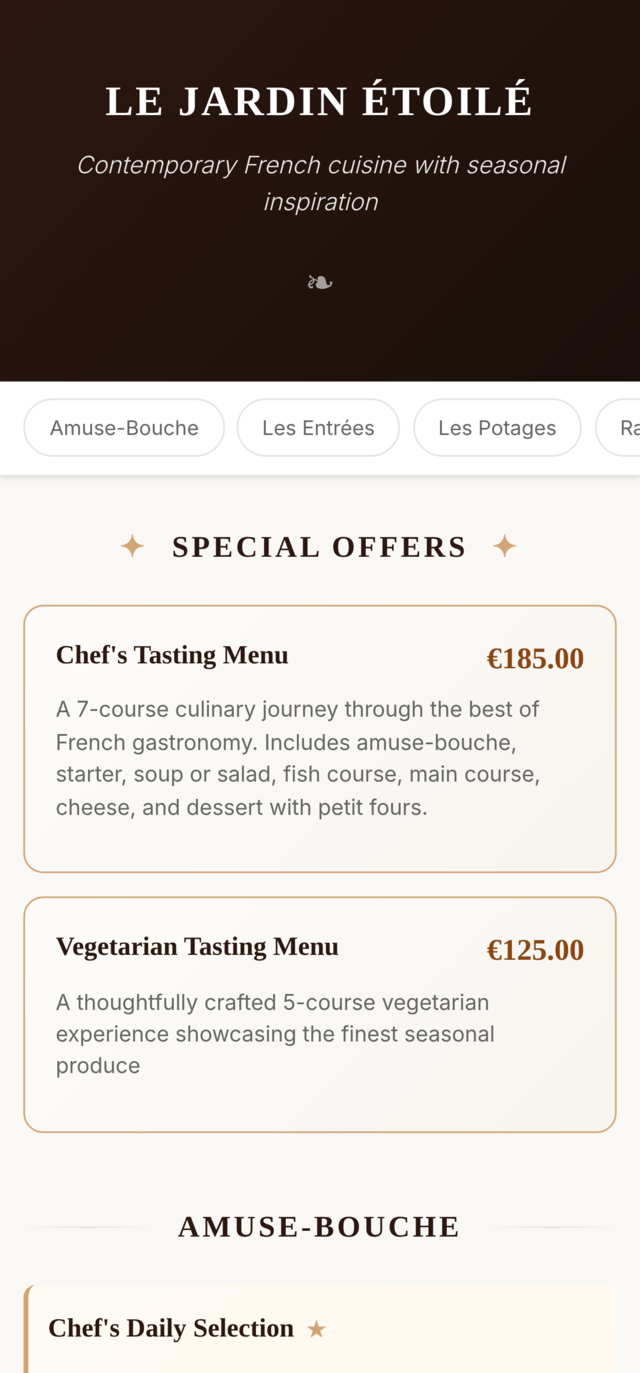
Know what is running low before it runs out. Track stock across bars, rooms, and venues, set automatic alerts, and keep your team aligned with availability.
Explore inventory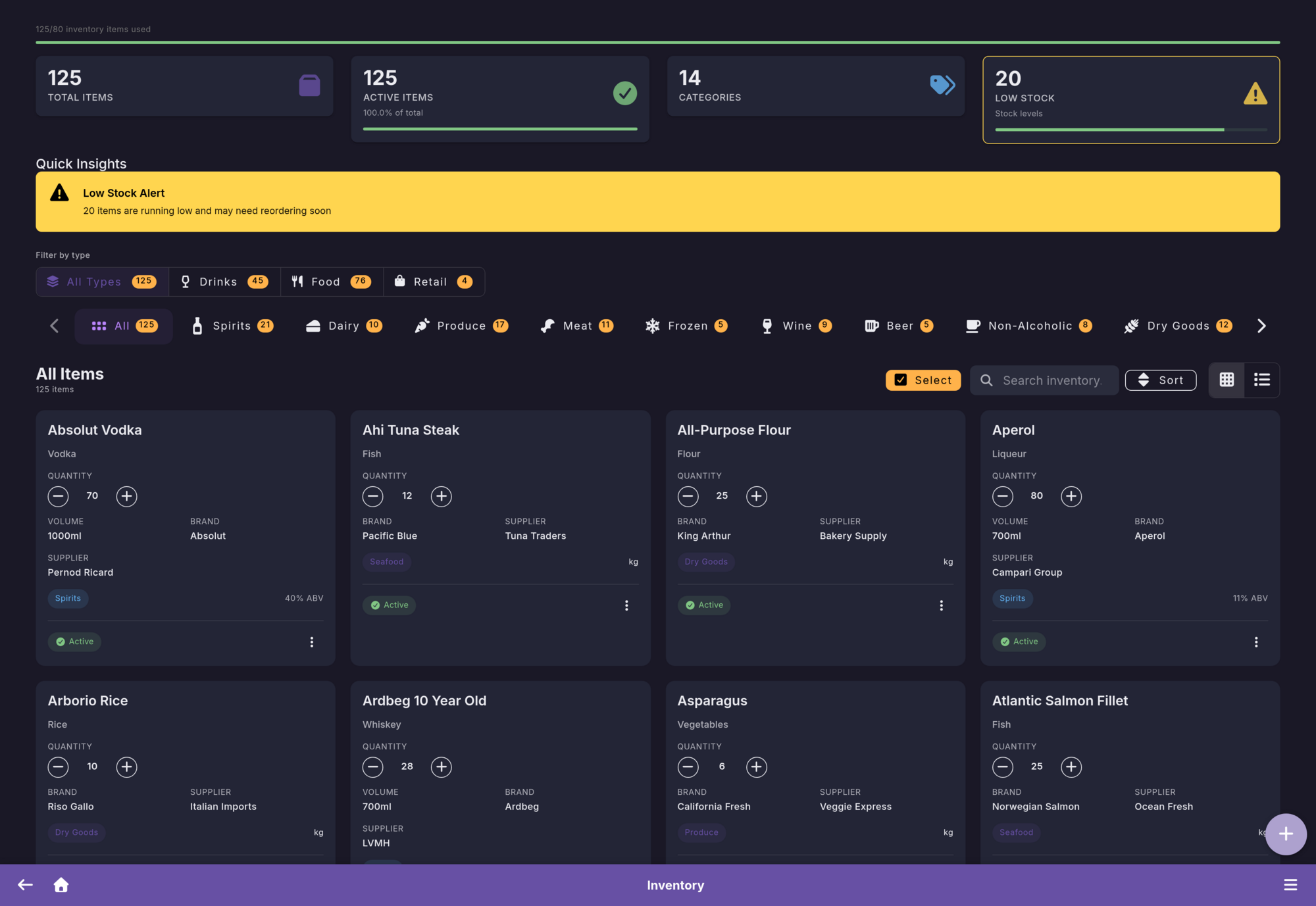
05 — The Workflow
Capture bookings, run live operations, and keep layouts, guests, and service coordination connected in the same system.
Accept requests from your website, assign tables or spaces, and keep every booking tied to the live venue plan.
Learn moreTrack guest lists, arrivals, no-shows, and event-specific workflows so staff and managers work from the same live view.
Learn moreUpdate sections, availability, menus, and operational context in real time while your team keeps the whole venue under control.
Learn more06 — Pricing
For single venues and multi-location groups. Every plan starts with a full-featured 1-month free trial.
Starts after your 1-month free trial
Starts after your 1-month free trial
For 4+ venues with custom needs
All plans include real-time sync, secure cloud hosting, regular backups, free updates, and one connected platform for bookings, events, layouts, menus, and inventory. No setup fees. Cancel anytime.
After dark — Get started
Join 100+ venue teams using Firetable to run bookings, events, layouts, menus, and inventory in one connected platform.
Questions? Email us at support@firetable.app
Yes! Our 1-month free trial requires no credit card and no payment information whatsoever. Simply sign up with your email, create your venue, and start using all features immediately. We believe you should experience the full value of Firetable before making any commitment.
Firetable is built for venue teams that need one connected system for bookings, events, layouts, menus, inventory, and daily operations. It can fit bars, restaurants, lounges, clubs, beach venues, event spaces, and multi-location groups.
Everything. You get full access to reservations, the website booking widget, event workflows, floor plan tools, digital menus, inventory features, real-time team sync, and analytics. There are no feature restrictions during the trial period.
Guests can request bookings directly through a widget on your website. Your team can review requests, assign tables or spaces, add notes, and keep everything synced across the dashboard and staff devices so everyone works from the same live view.
Absolutely. Firetable is built for real-time team collaboration. Hosts can manage arrivals, managers can oversee layouts and capacity, and service teams can work from the same live system at the same time. Every change syncs instantly across all devices.
Yes. Pro plan customers receive personalized floor plan setup assistance. Our team will help you recreate your venue's layout, including tables, seating areas, bars, terraces, service zones, and event-specific configurations.
After your 1-month trial, you can choose a plan that fits your needs. Your data and settings are preserved - nothing is lost. If you decide not to continue, simply don't subscribe and your account will be deactivated. No hidden charges, no automatic billing.
Yes. The Basic plan covers 1 venue, while the Pro plan supports up to 3 venues. Each venue gets its own layouts, menus, settings, and workflows, but you can manage everything from a single platform. Need more than 3 locations? Contact us for enterprise pricing.
Your data is hosted on secure cloud infrastructure with automatic backups, encryption, and strict access controls. We never share your guest data with third parties. You own your data and can export it anytime.